Honeymote brand exploration
Rounds 1 and 2 were generated with Codex built-in image_gen on 2026-10-25. Rounds 3 and 4 are drawn as vectors from the chosen concept. Proposals only; nothing is approved.
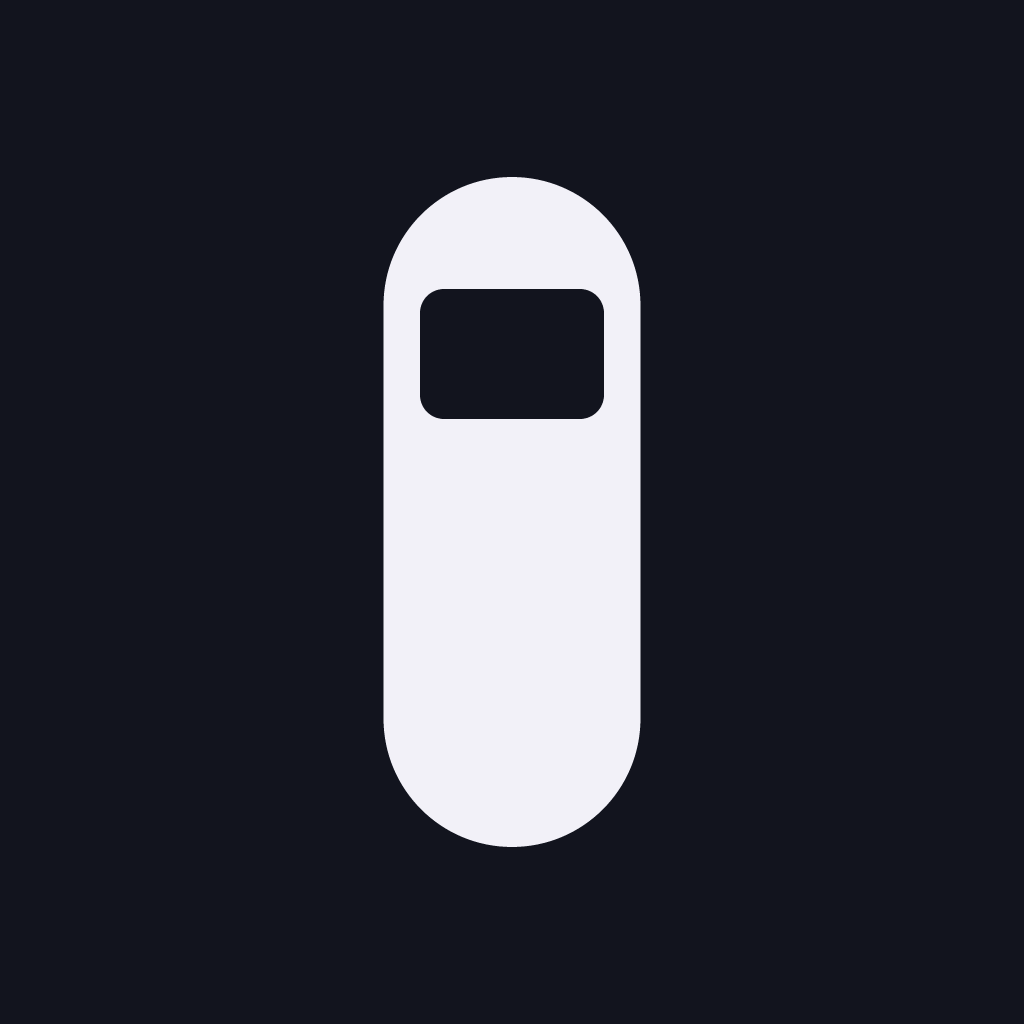
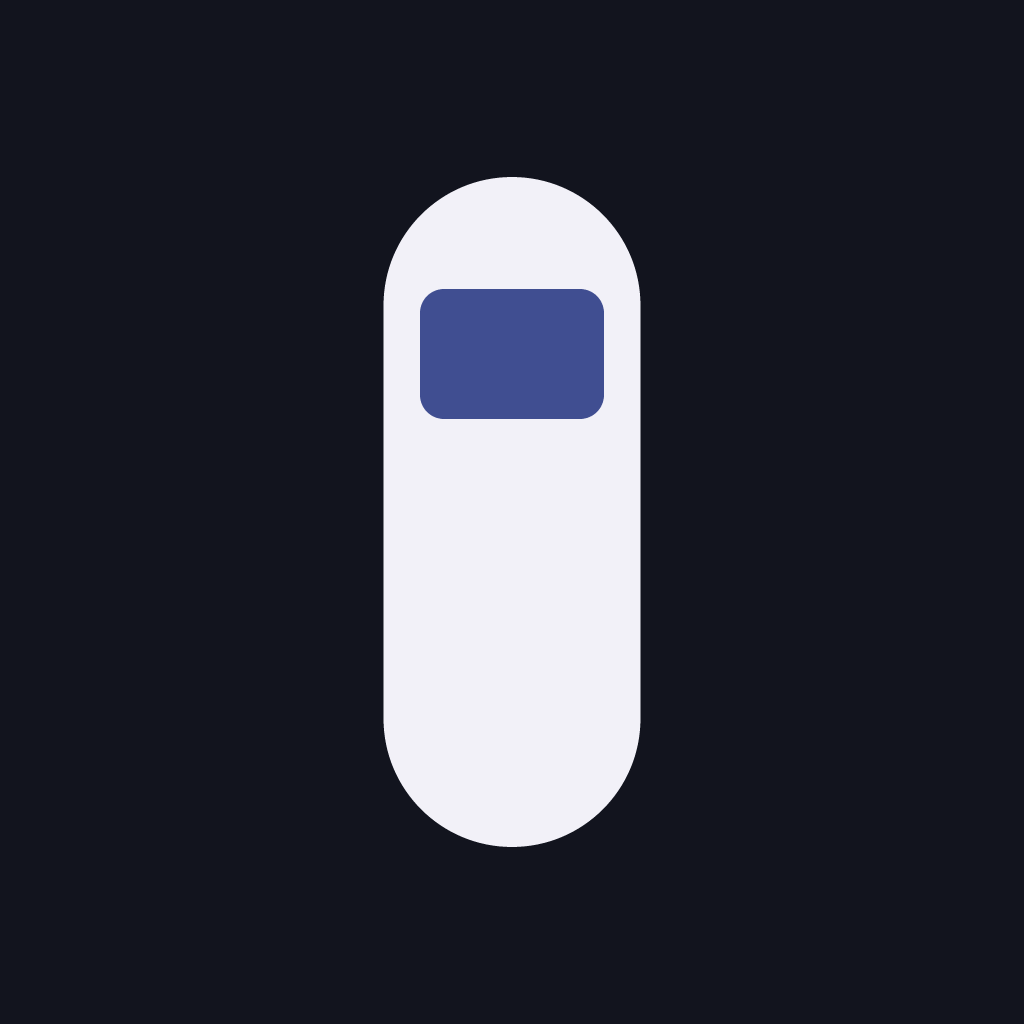
Round 4: Screen button in the console palette
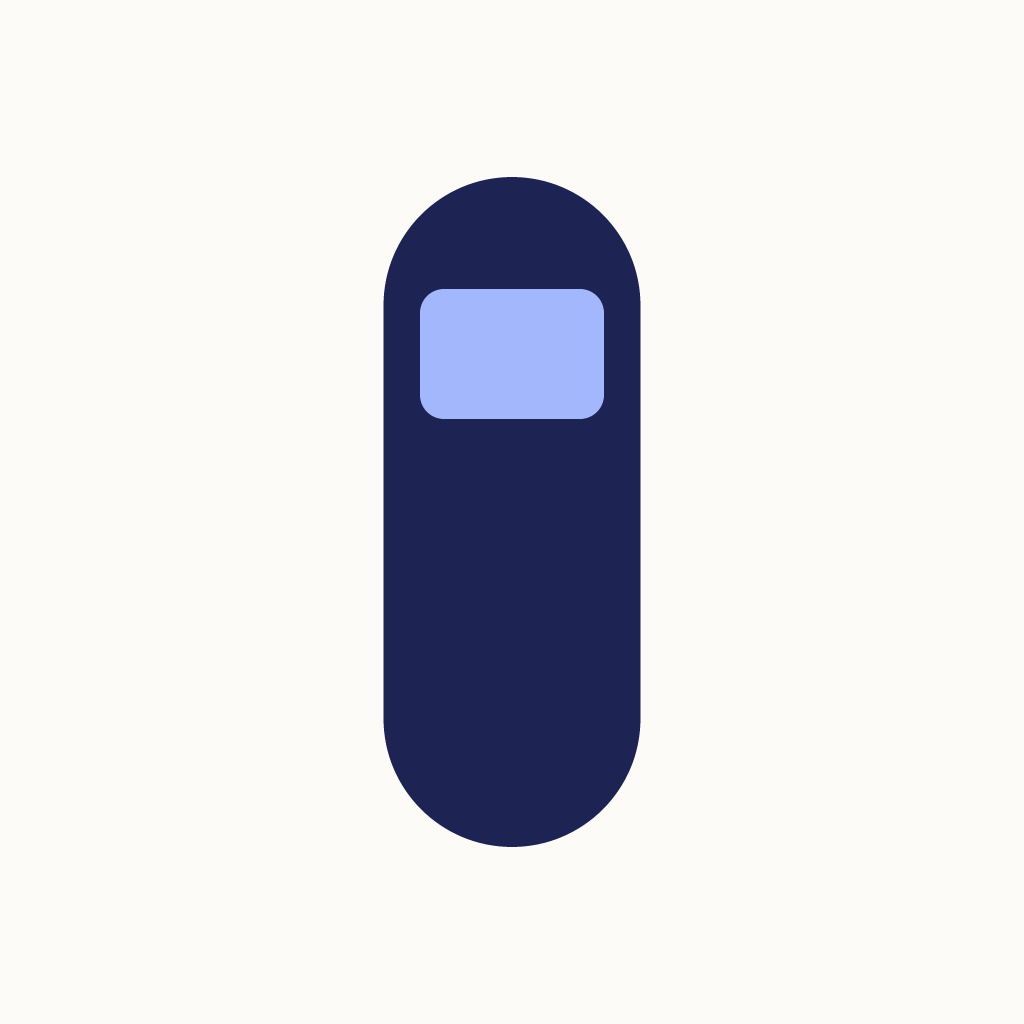
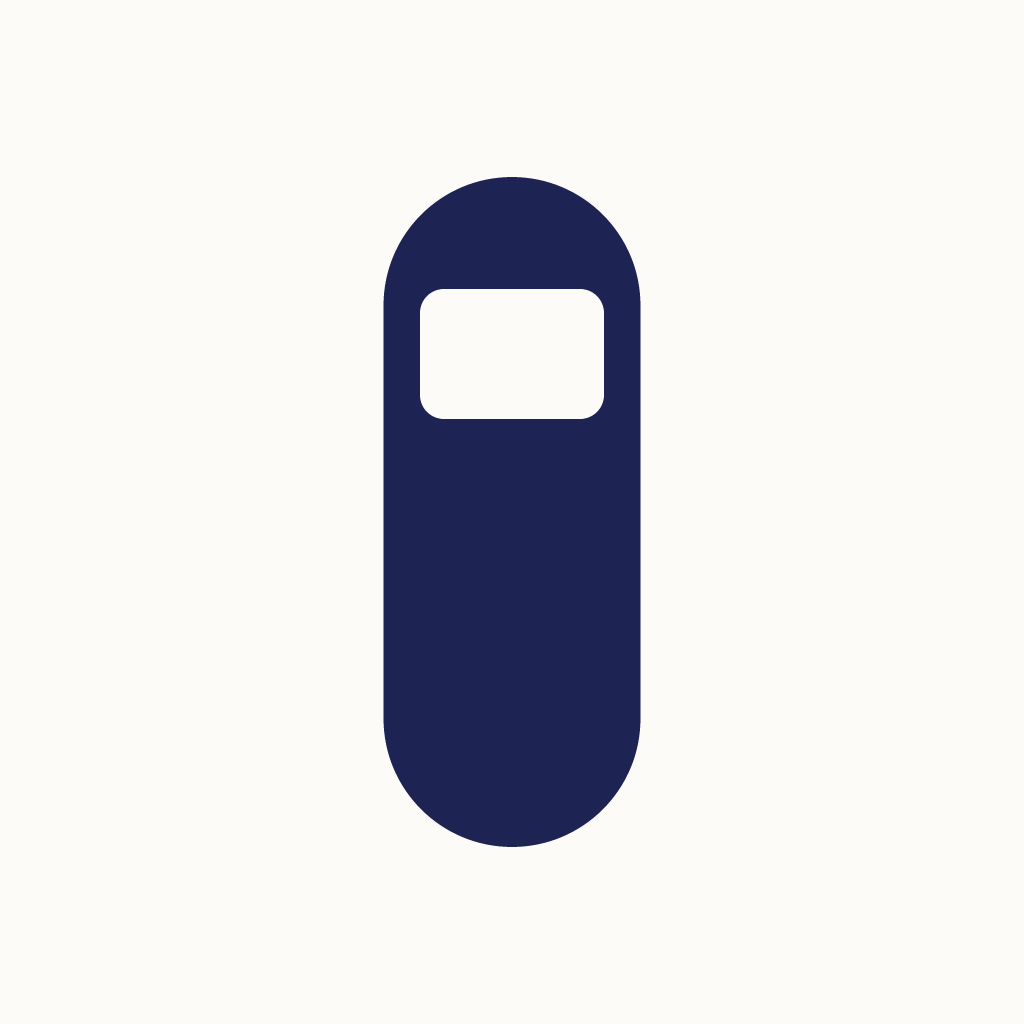
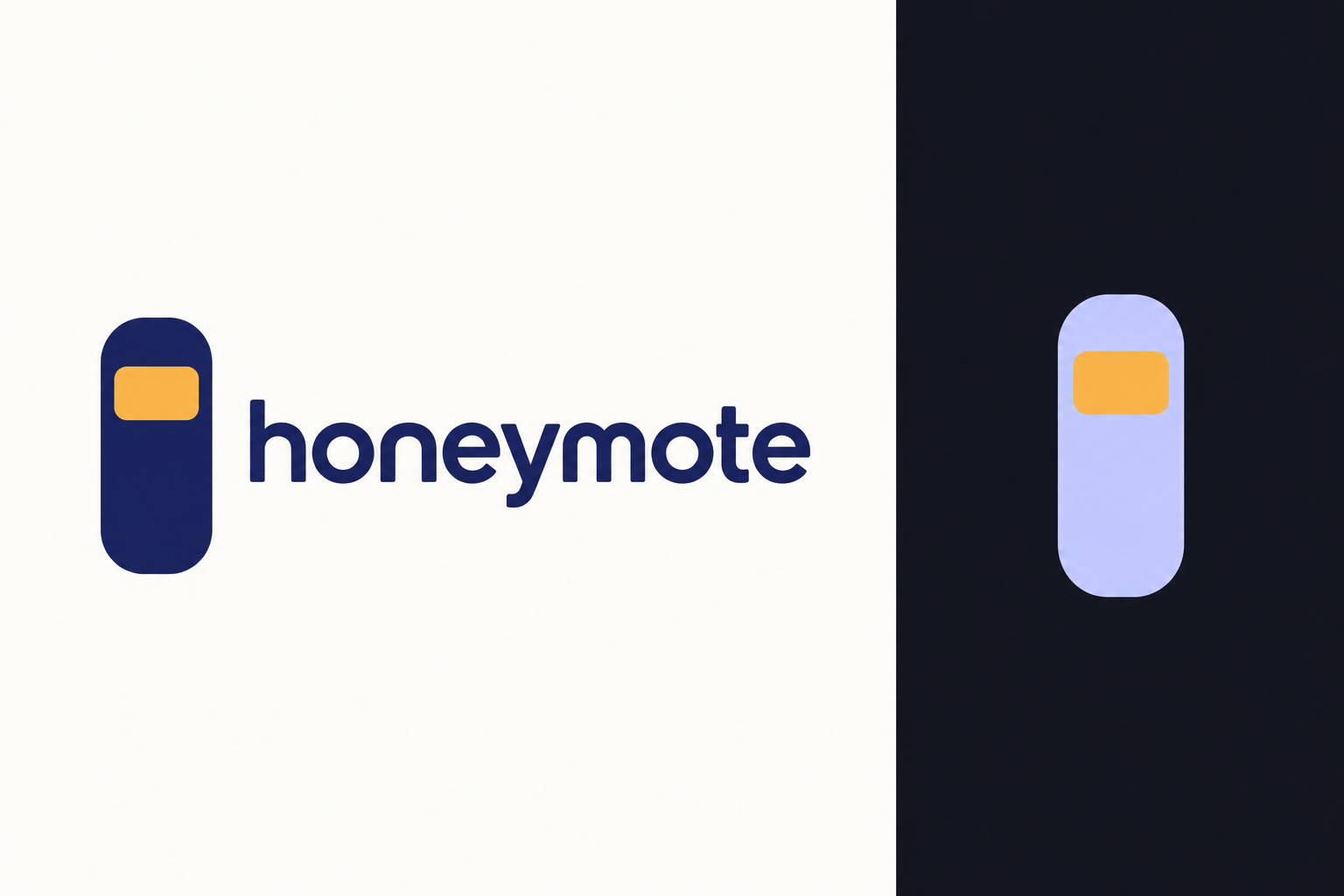
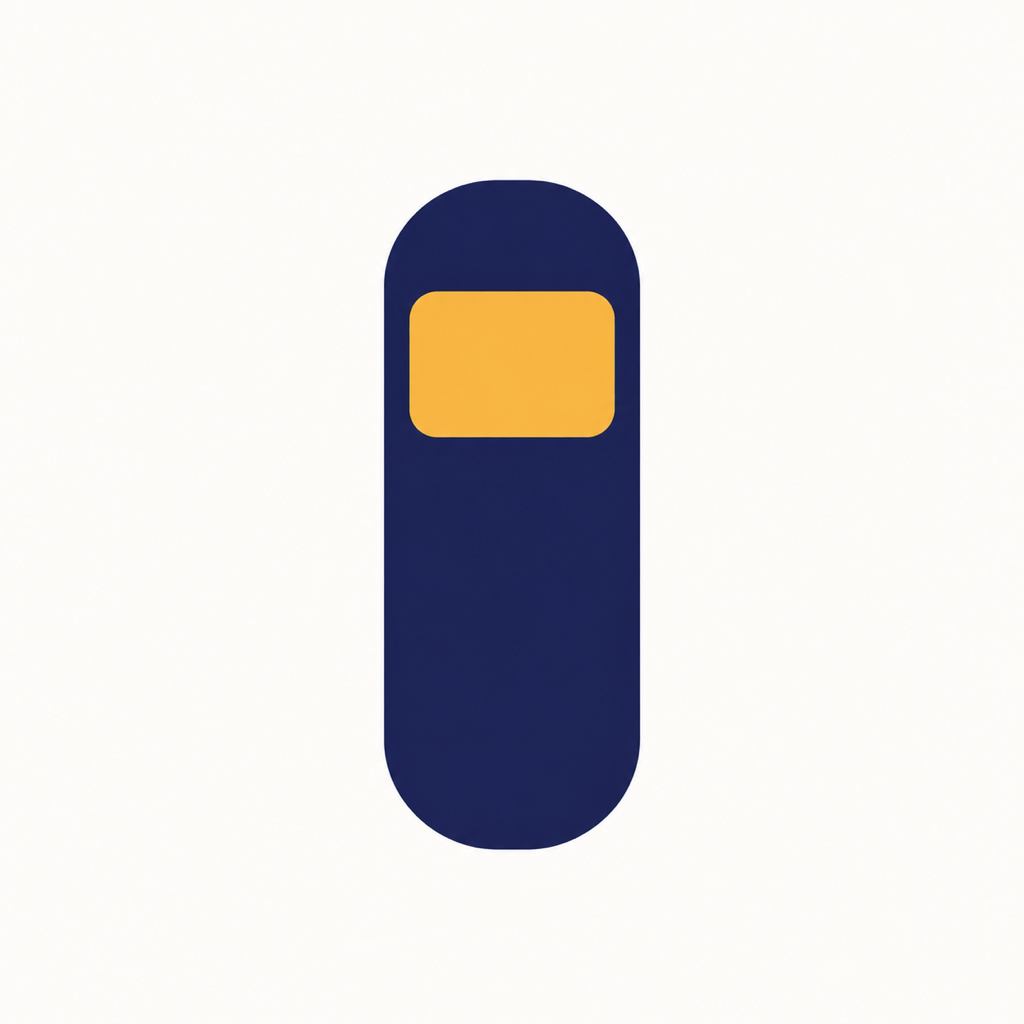
Concept G redrawn as exact vectors and recolored to the white and dark console screens. It replaces round 3 at the owner's request on 2026-10-26. The pill keeps the measured round 2 size, 257 by 670 on a 1024 canvas. The screen is narrowed from 204 by 145 to 184 by 130: the measured side rails were 26 px and dropped to 1.5 px at 60 px. Sources: r4/build_mark.py and r4/out/*.svg. Wordmark font: Outfit 560, SIL OFL 1.1, my choice and replaceable.

G is the only flat single-element mark in the grid, and no competitor uses a tall pill with one light block. The two nearest silhouettes are the black button-grid remote and the orange pill with a power button. The pill fills about 25% of the tile width, so the icon looks lighter than the competitors. The round 2 risk stays: at a glance it can read as a pager or a USB stick.
Icons
Recommended: dark periwinkle for the default icon, light periwinkle for the light appearance, tinted for iOS tinted mode. The periwinkle is the app's Select button. Every pill measures at least 10.99:1 against its field and every screen at least 6.65:1 against its pill. Coral is the app's power color, so a coral screen may read as "off".
Wordmark and lockup
G has no letter tie-in, so the wordmark is plain "honeymote". In the horizontal lockup the pill spans the word from the top of the "h" to the foot of the "y". Risk: at this height the pill can read as a letter, "lhoneymote". The stacked lockup avoids that.
Round 3: Screen letter in the console palette (superseded)
Replaced by round 4 on 2026-10-26, when the owner switched the logo to concept G.
Concept I redrawn as exact vectors from the round 2 icon geometry and recolored to the white and dark console screens. Amber is gone because the app has none. The dot mirrors the app's "TV ready" dot beside the TV icon. Sources: r3/build_mark.py and r3/out/*.svg. Wordmark font: Outfit 560, SIL OFL 1.1, my choice and replaceable.

Icons
Recommended: dark periwinkle for the default icon, light ready for the light appearance, tinted for iOS tinted mode. The app's own light dot, #A3B7FD, measures 1.89:1 on paper and fades at 60 px, so light ready uses #6F80D6 (3.54:1). That value is new and not yet an app token. Coral is the app's power color, so a coral dot may read as "off" rather than "ready".
Wordmark and lockup
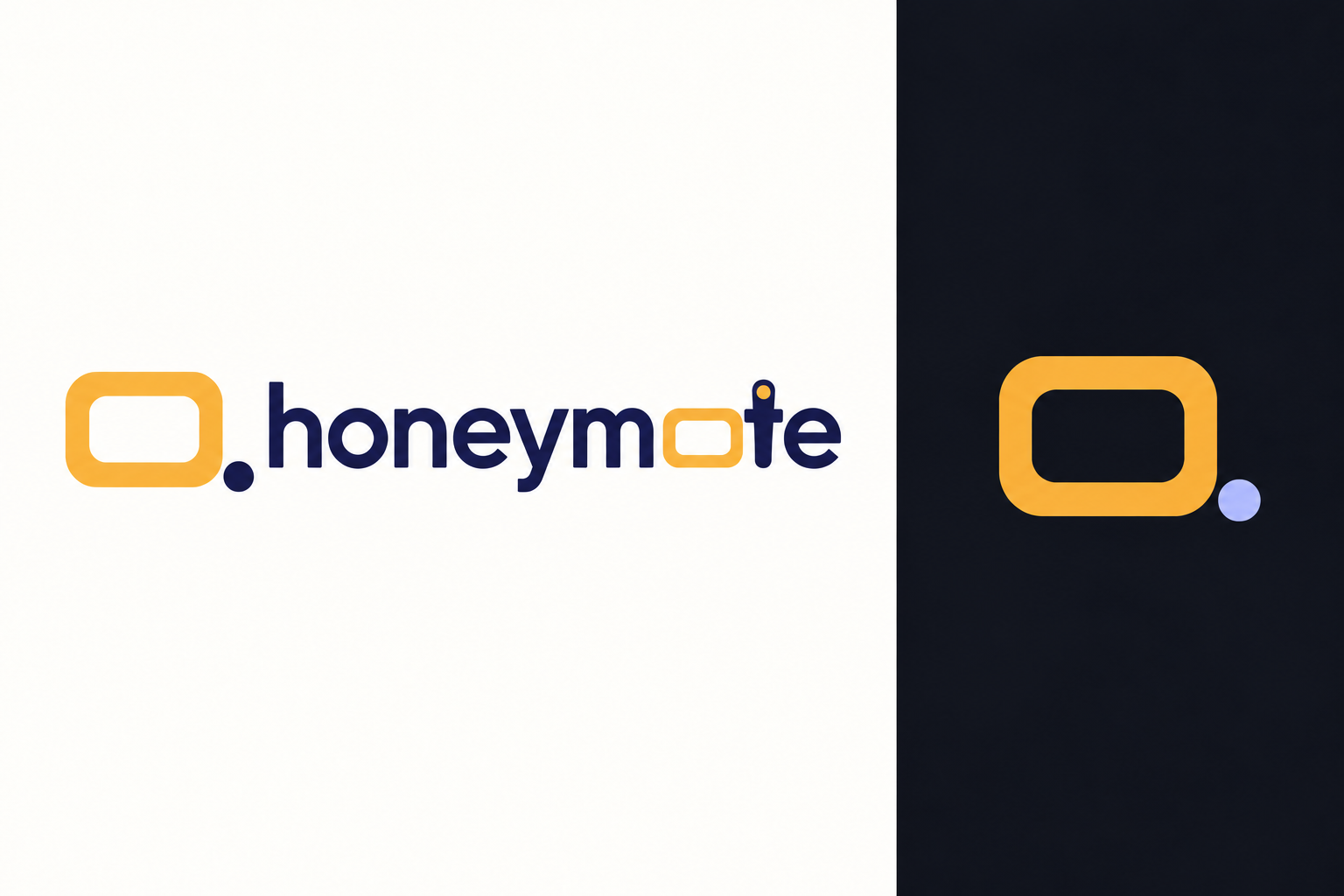
The "o" in "mote" is the screen at 1.3 times its height. The icon's 1.57 ratio read too wide in text. The wordmark has no dot: with a dot it read as "honeymo.te". The lockup pairs the full mark with a plain "o", so the screen does not appear twice. The accent versions color only the screen-o.
Round 2: remote, TV and app in one mark
Five concepts generated 2026-10-25 after the request to merge remote, TV and app. Round 1's ban on remote and TV shapes was lifted; D-pad, OK, power and button grids stayed banned. Generated rasters, not vector masters.

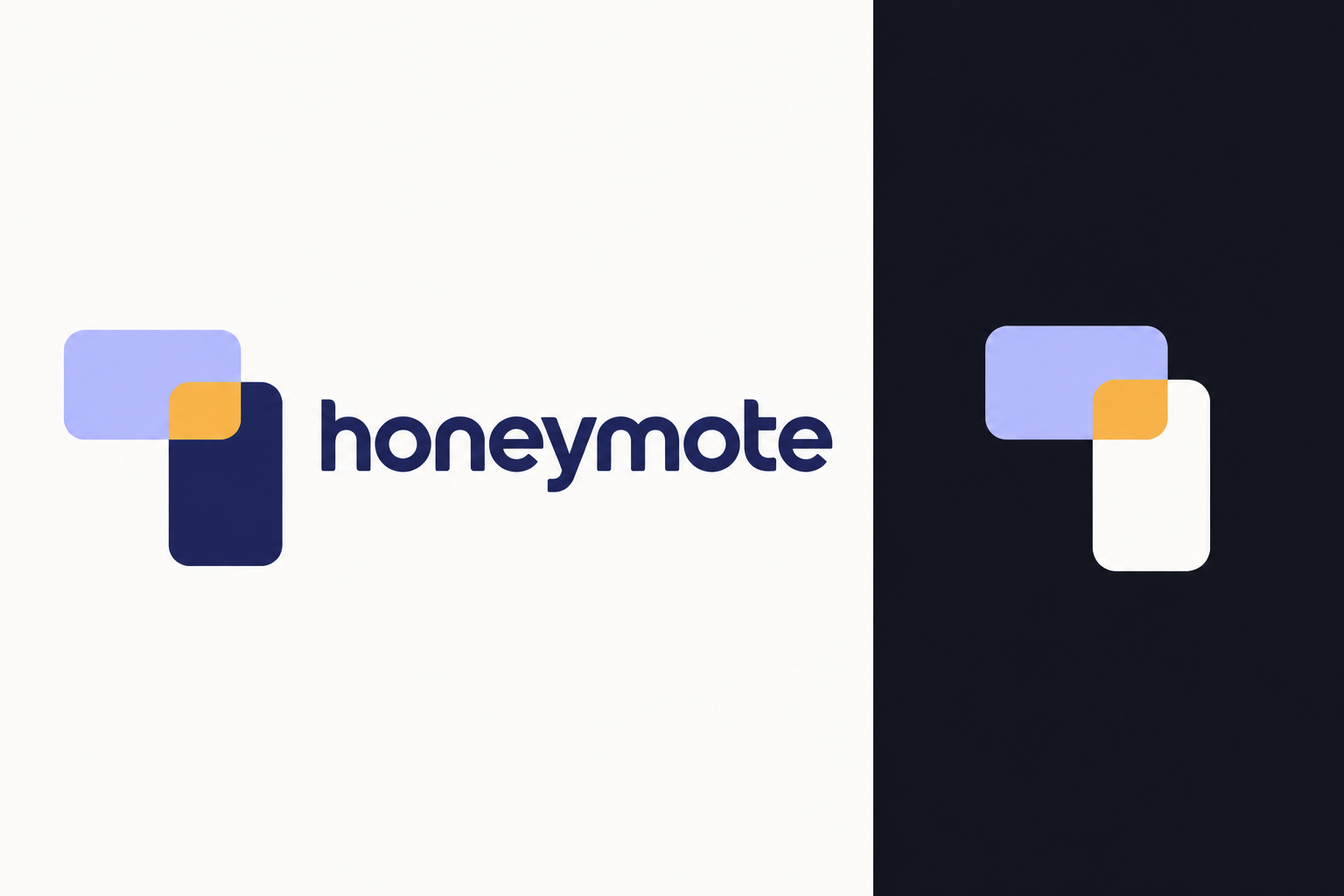
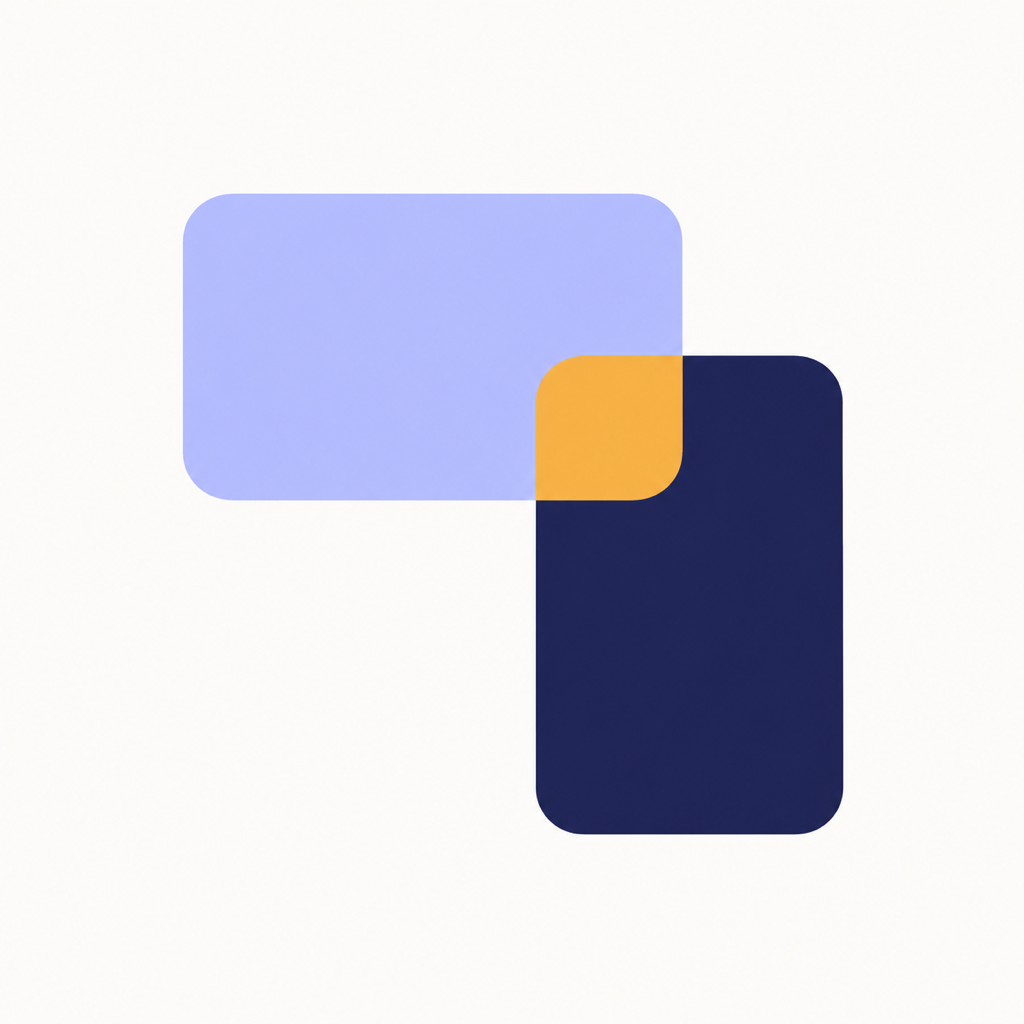
E. Turn
Strongest merge. The phone and the TV are one rounded rectangle turned 90 degrees, and the amber overlap is where the phone becomes the remote. Separates from every competitor at 120 and 60 px. Risk: overlapping rectangles also mean screen sharing or windows.
I. Screen letter
Runner-up. The icon, an amber screen with one standby dot, is the cleanest small mark of the round. The wordmark version breaks the word rhythm, so keep the standalone mark only.
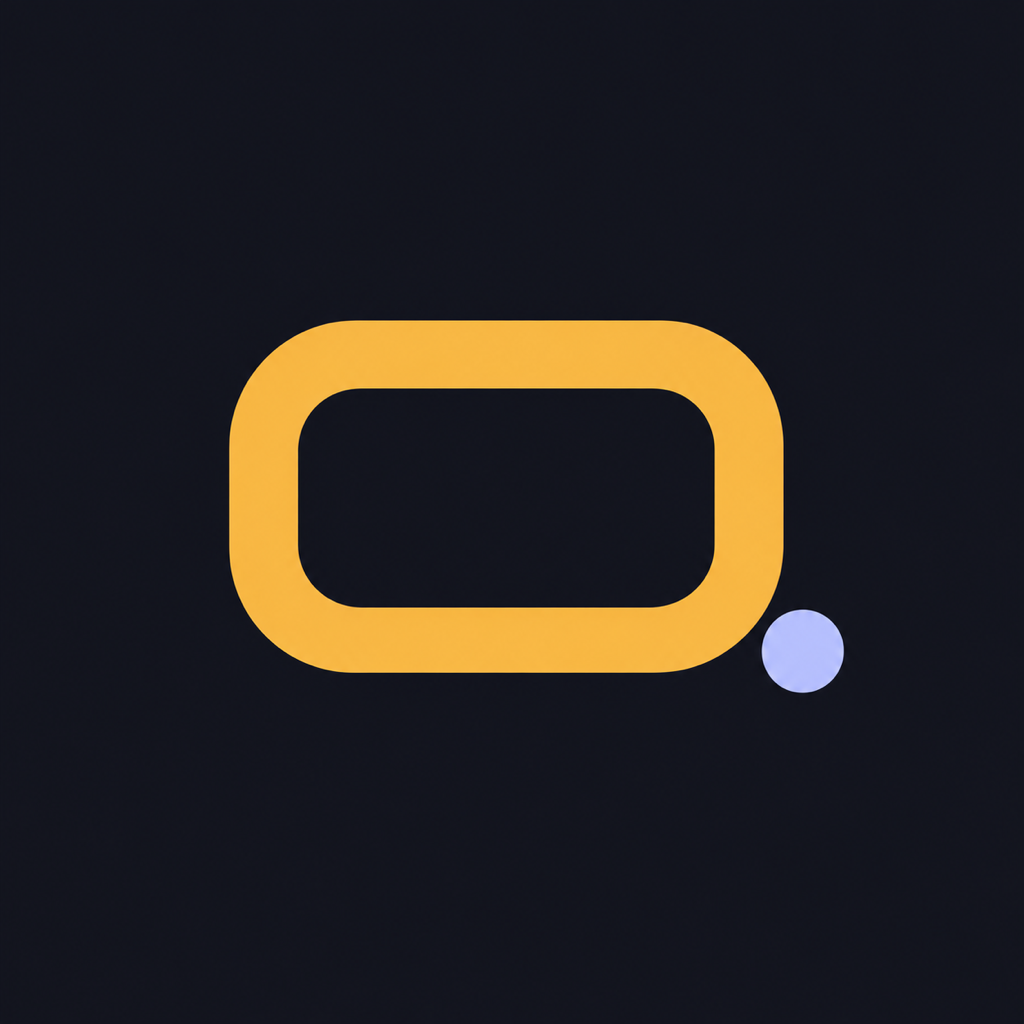
G. Screen button
Clean but literal. A remote whose only button is a glowing screen. At icon size it sits close to the flat remote silhouettes competitors use, and can read as a pager.
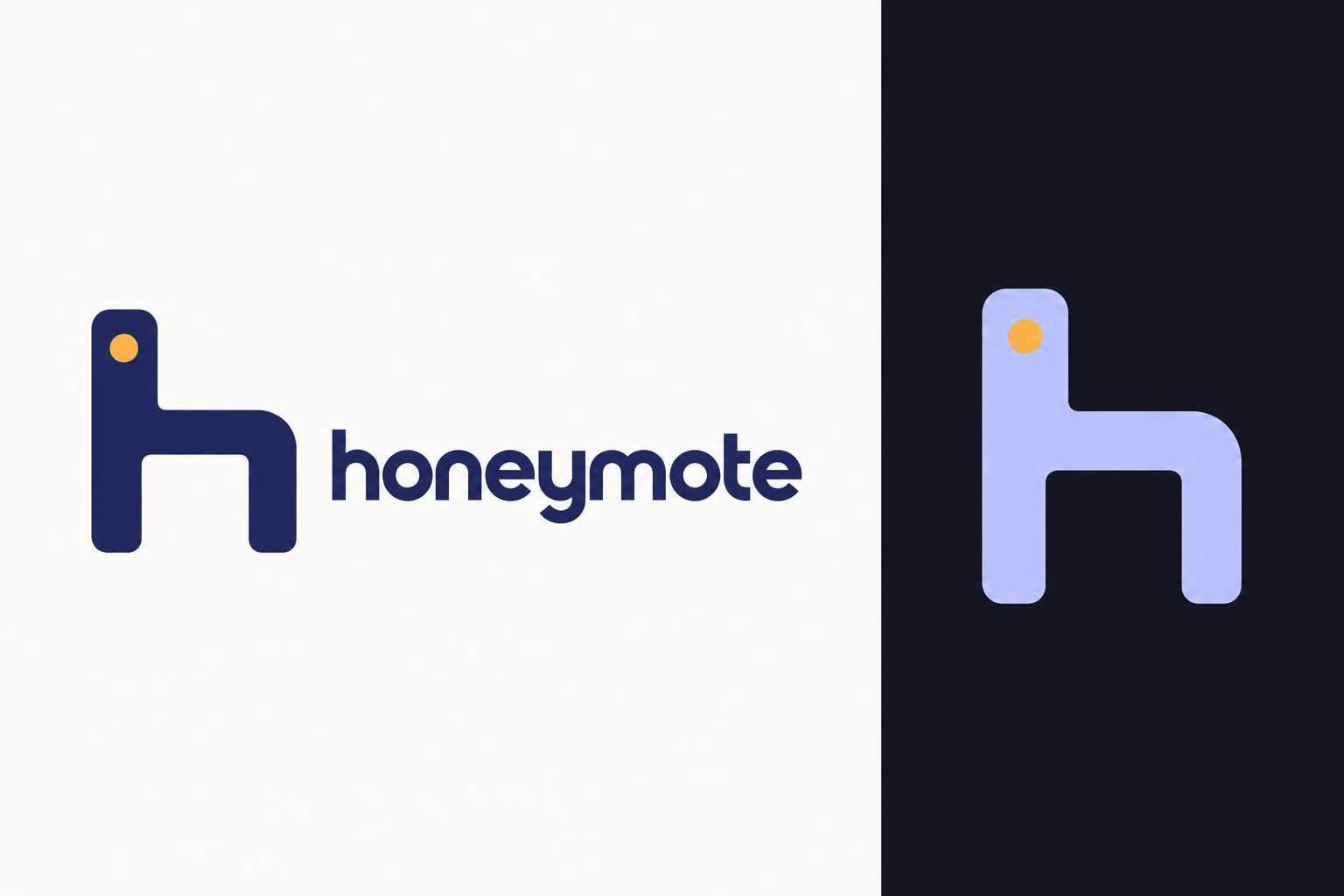
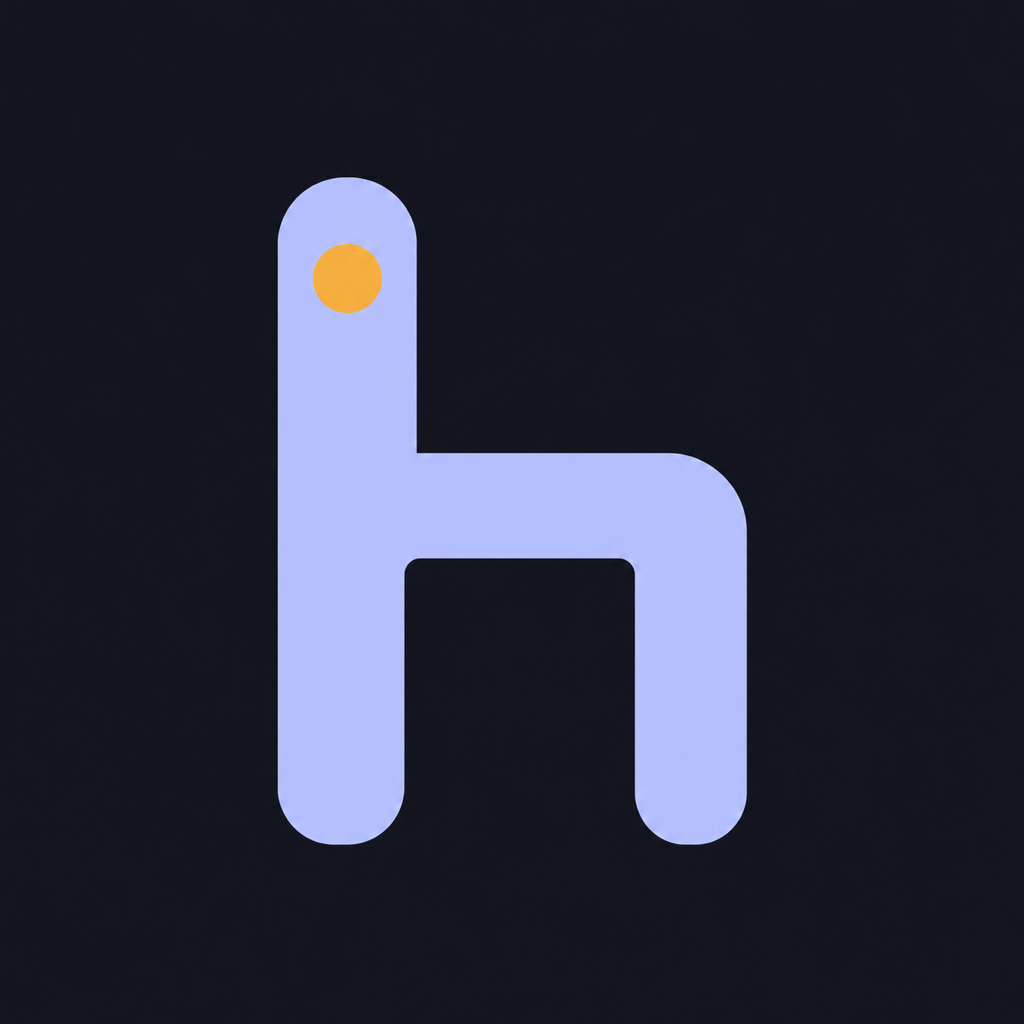
F. h-remote
Weak. The amber dot reads as an eye, so the "h" looks like a chair or a llama head. The screen inside the "h" does not come through.
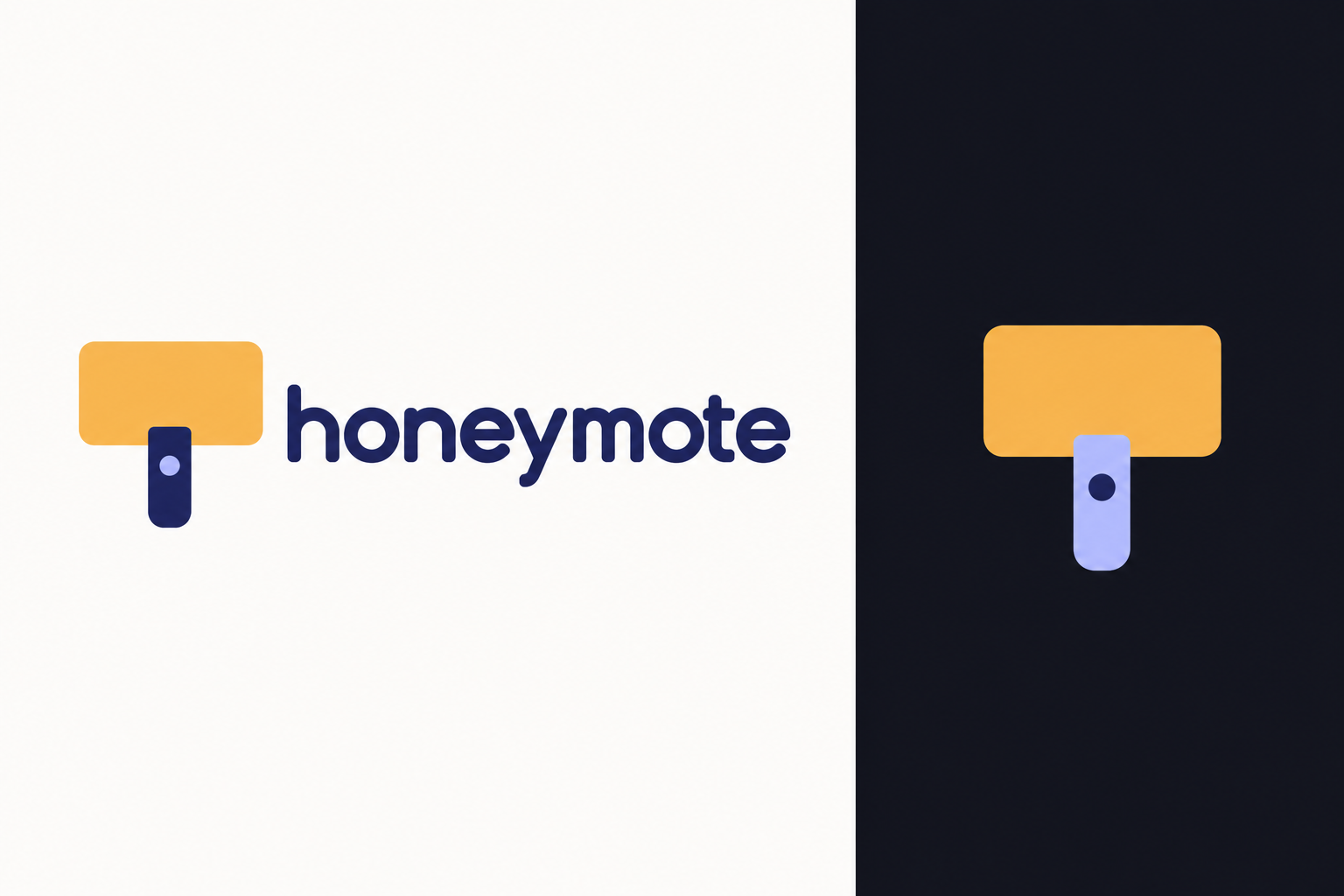
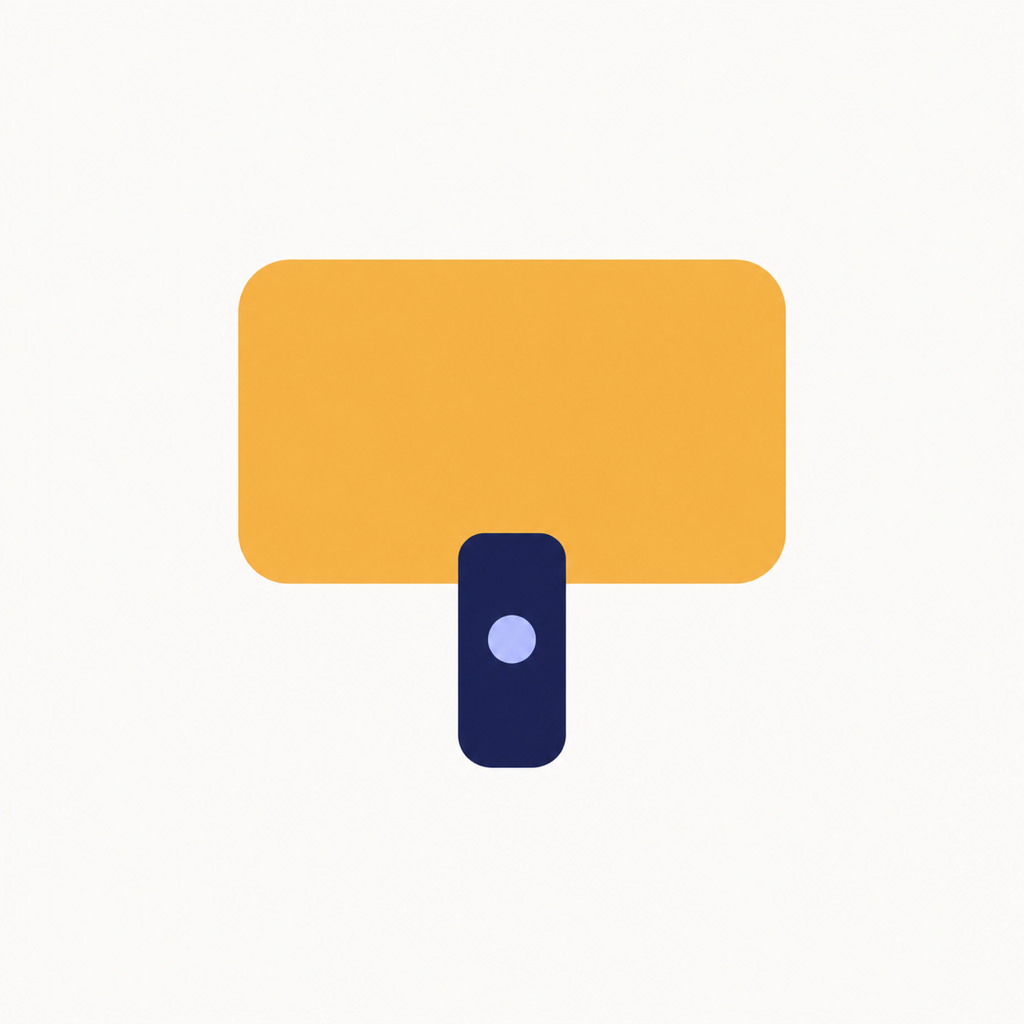
H. Stand
Reject. Reads as a paint roller or mallet, not a TV on a stand.
Round 1
Four directions from brief.md. These avoided remote and TV imagery by rule.
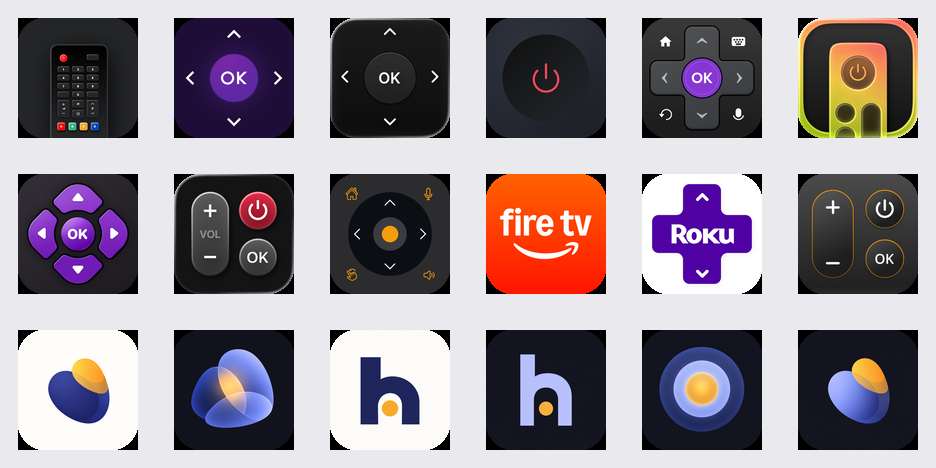
Category test
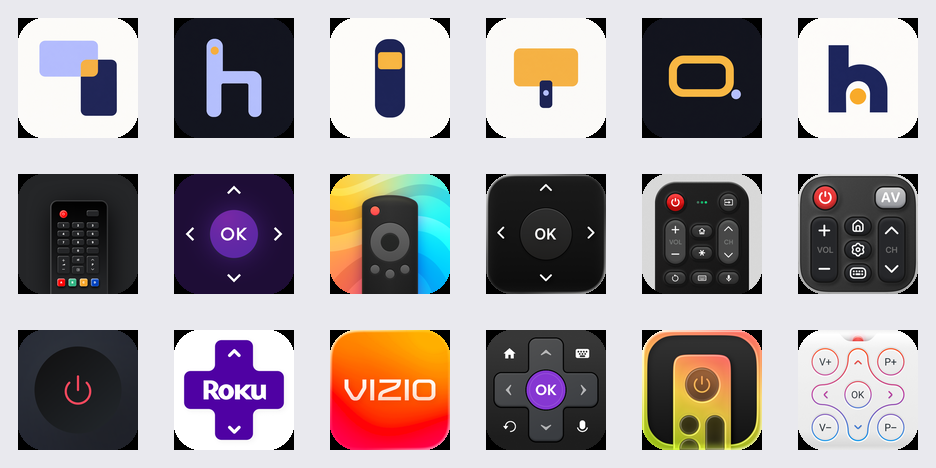
Top two rows: current App Store competitors. Bottom row: A light, B dark, C light, C dark, D dark, A dark, masked at 120 px.
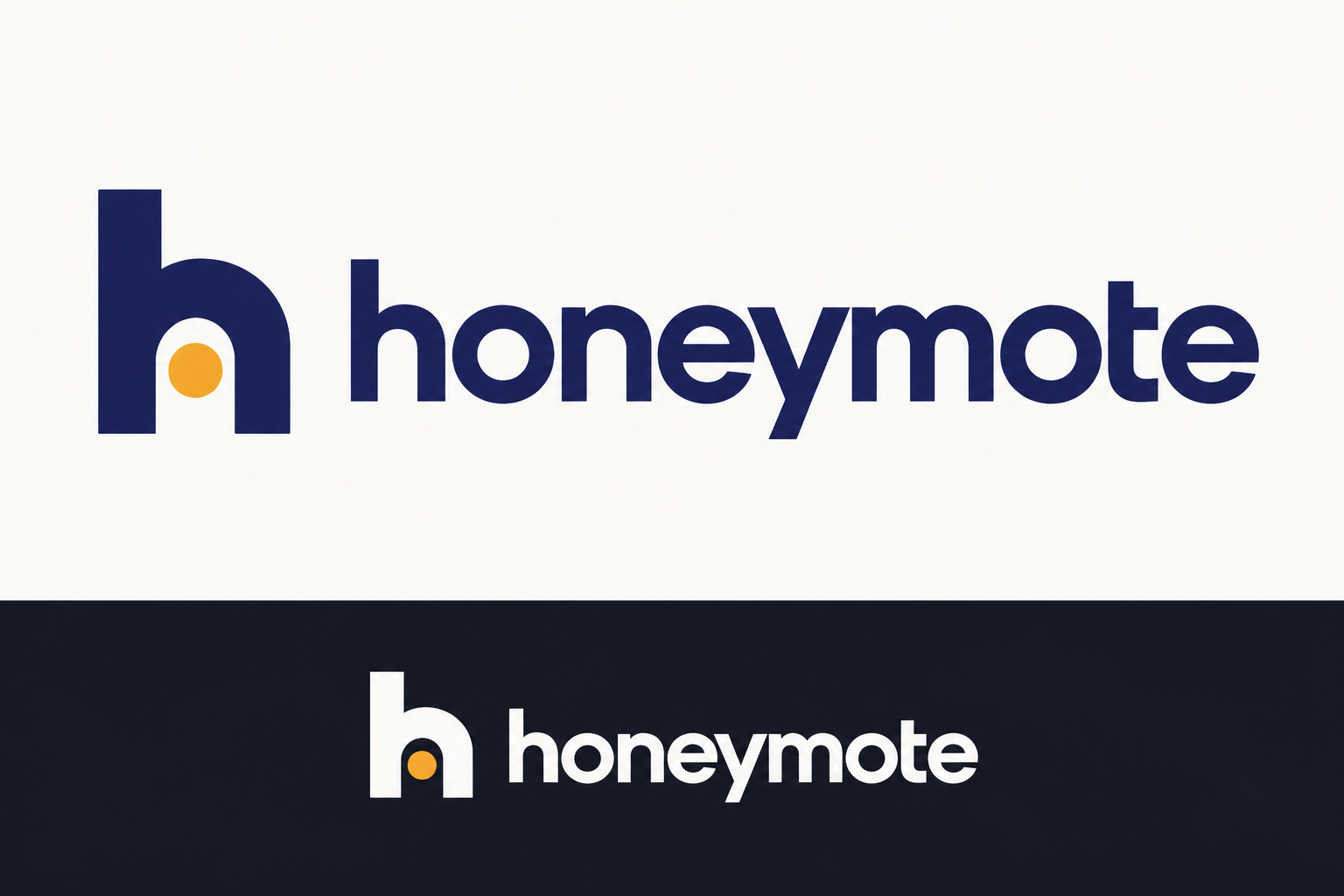
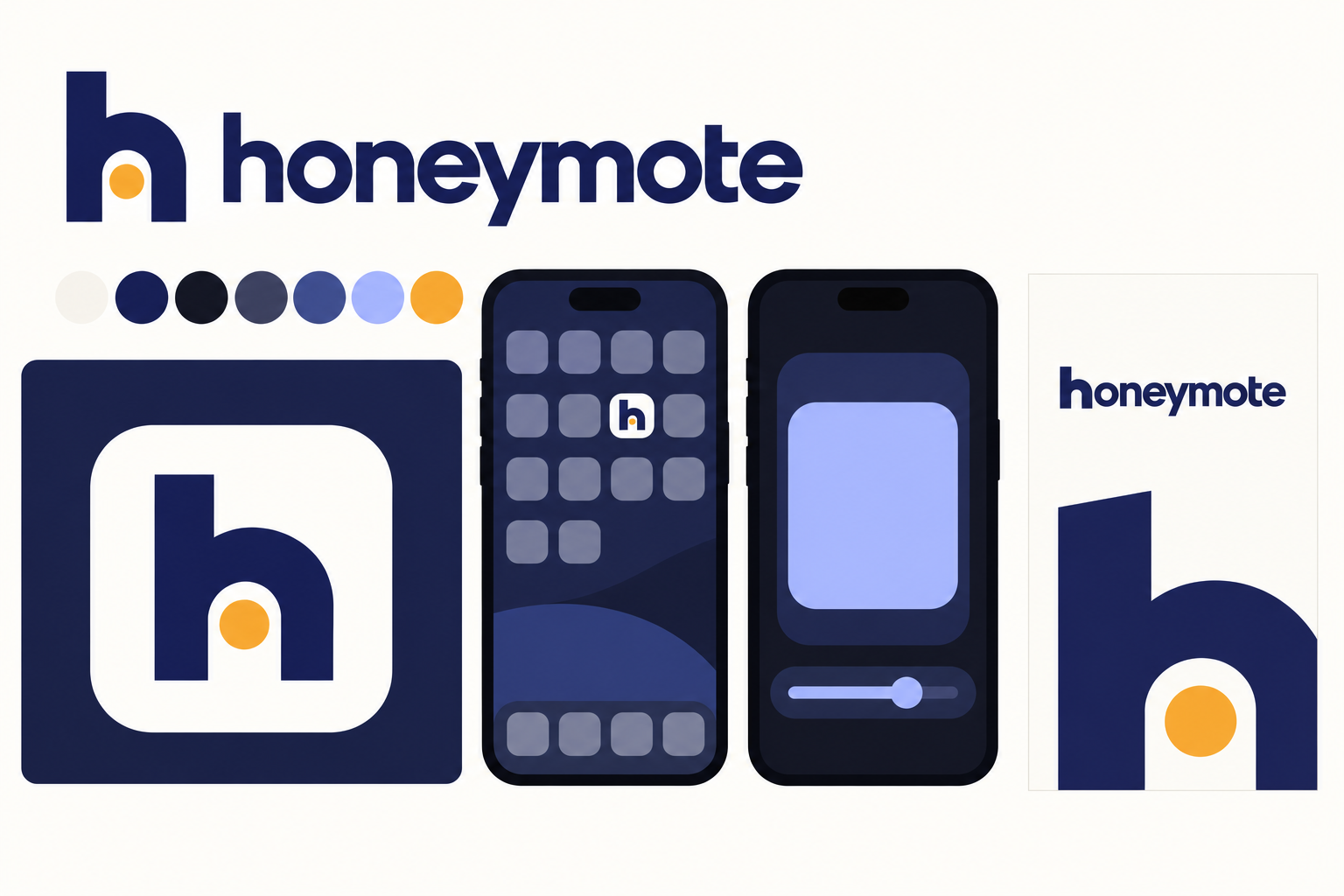
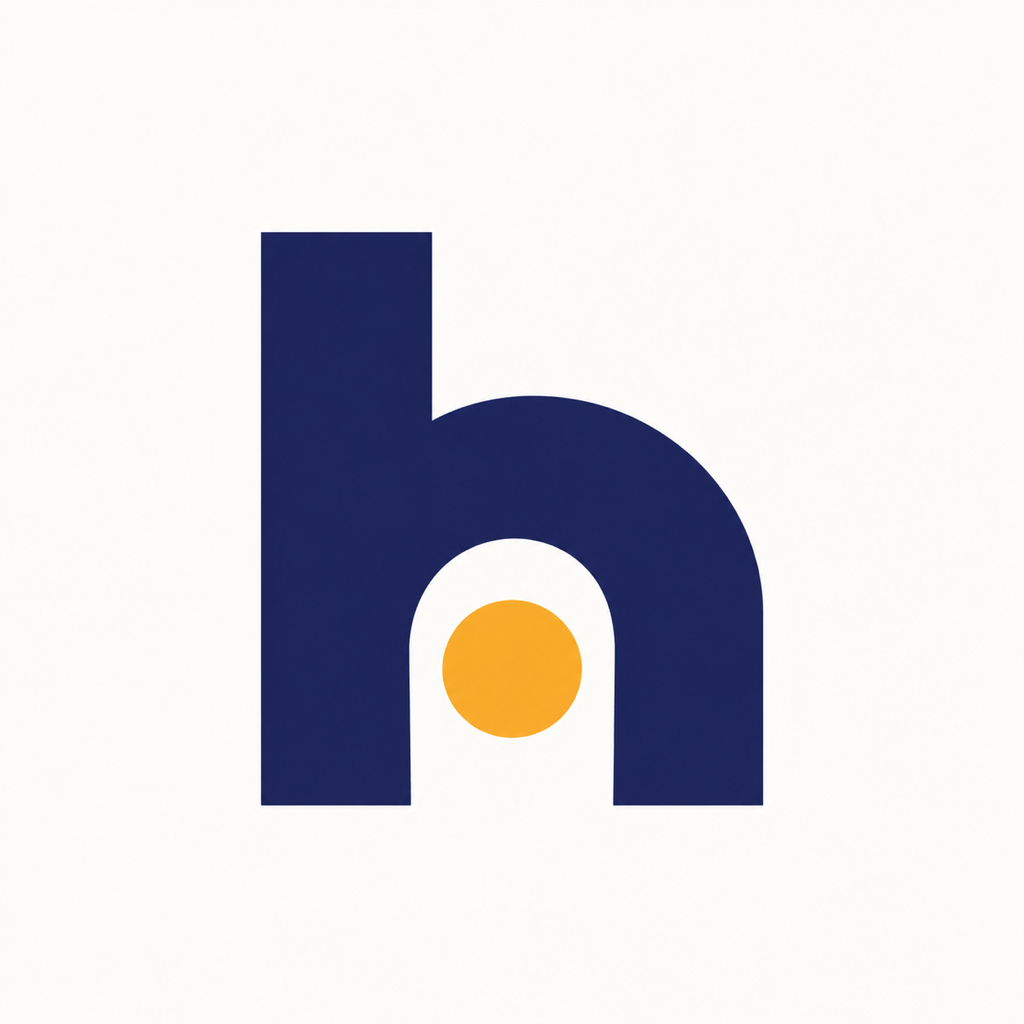
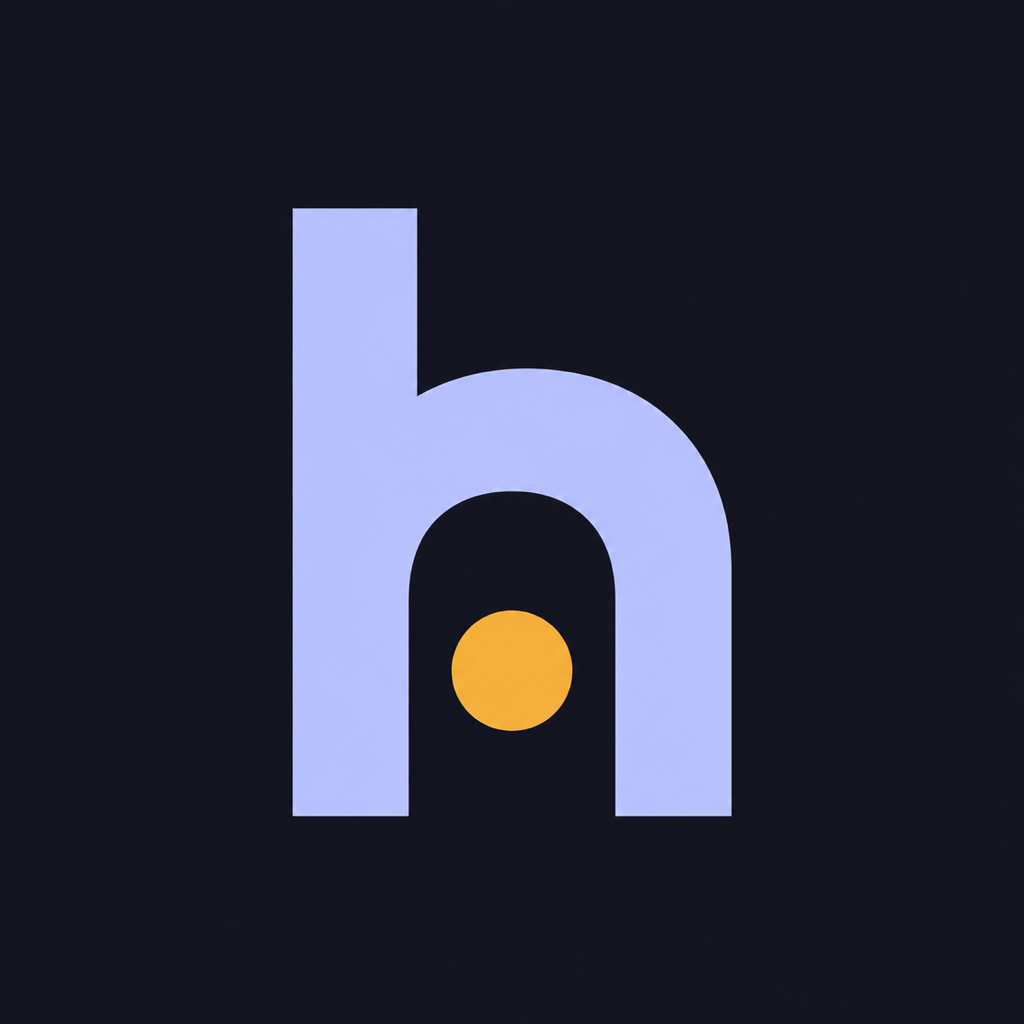
C. Monogram and wordmark
Strongest. The only candidate that separates on sight at icon size, and the "h" with a lit doorway carries the name without honey clichés. Weakness: the light and dark "h" differ in stroke proportion, and the plain icon needs a Liquid Glass layer pass.
B. Nightglass
Best mood. The evening living-room board shows the product feel the brand should carry. The layered glass mark fits iOS Liquid Glass but reads like a generic AI-assistant orb.
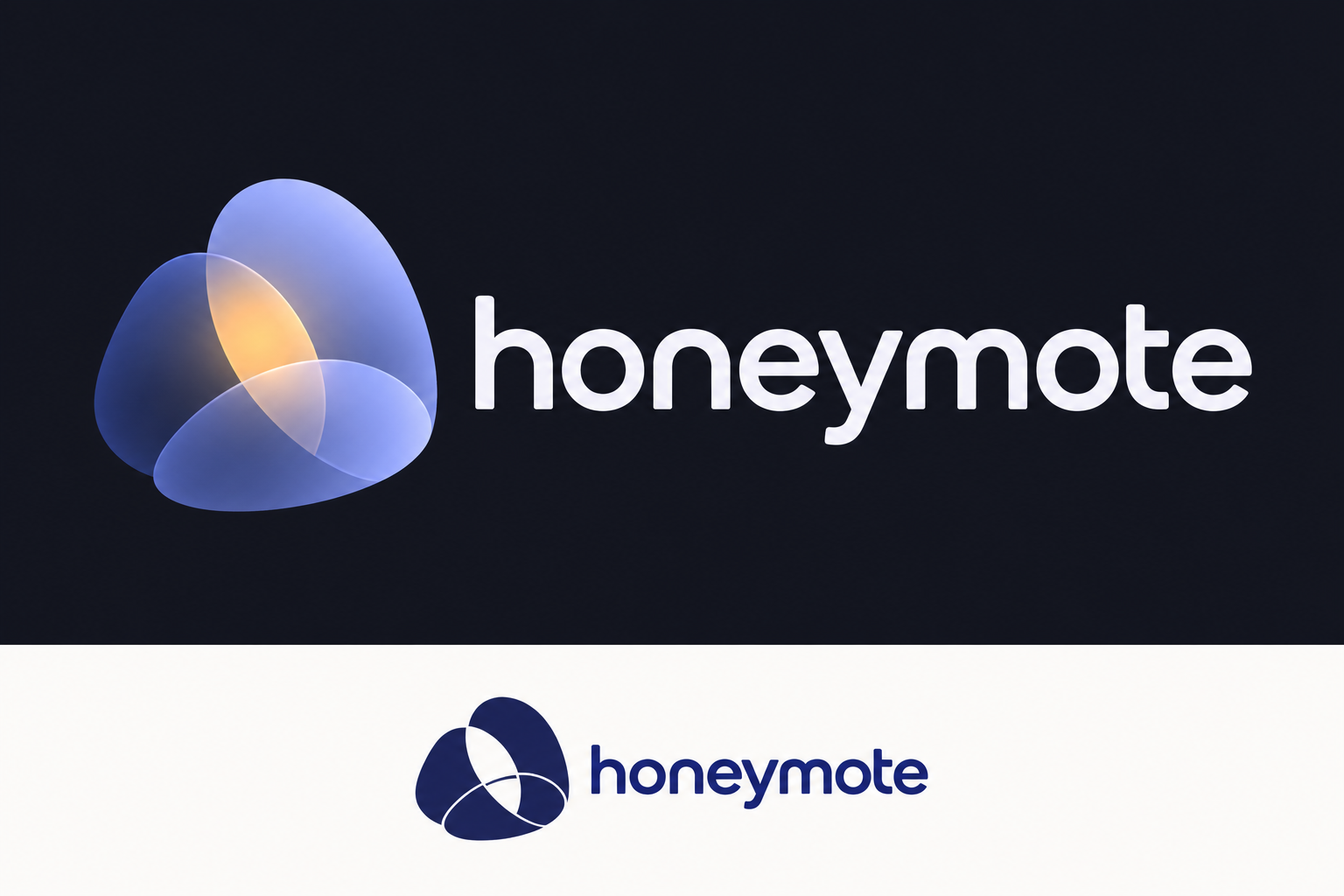
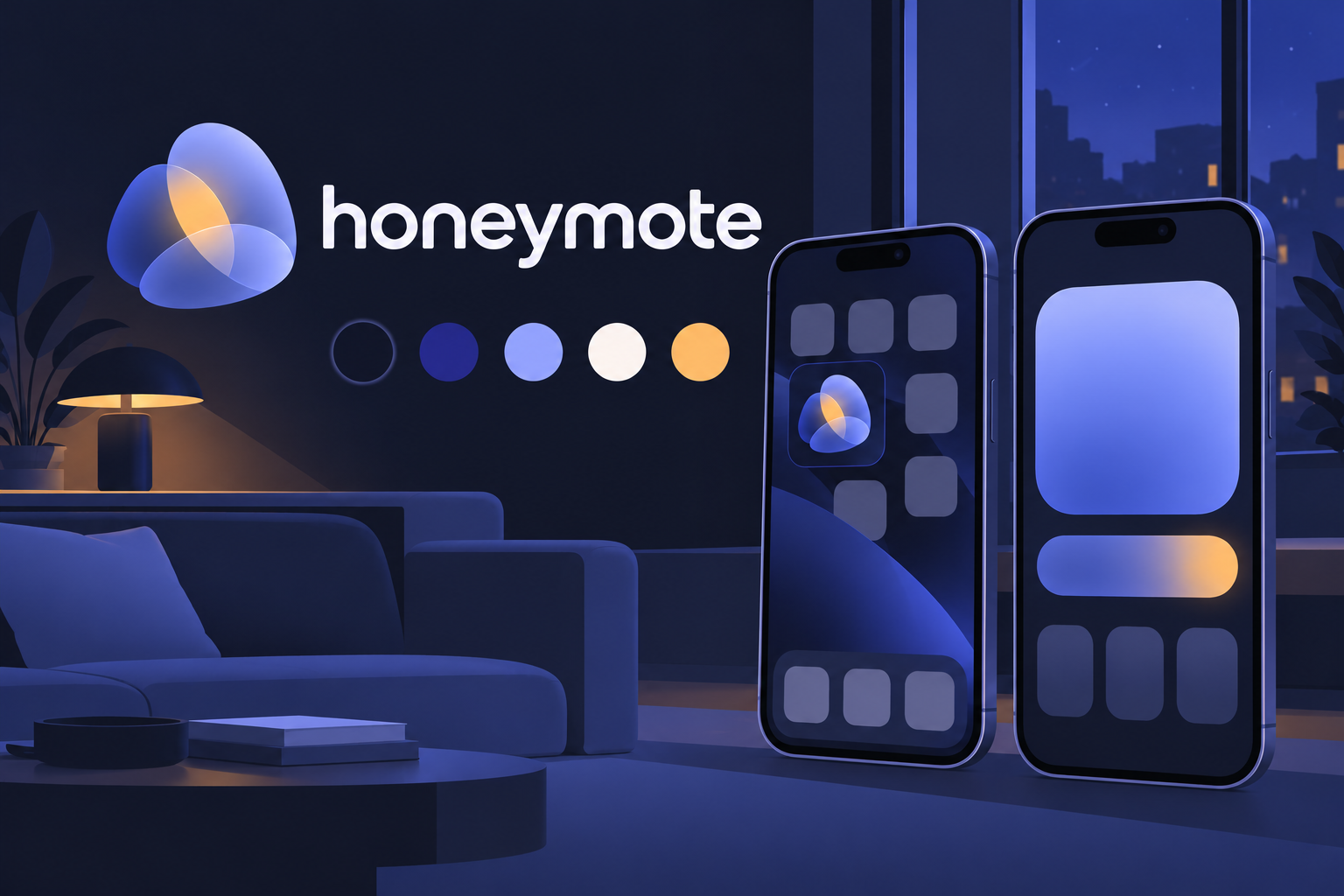
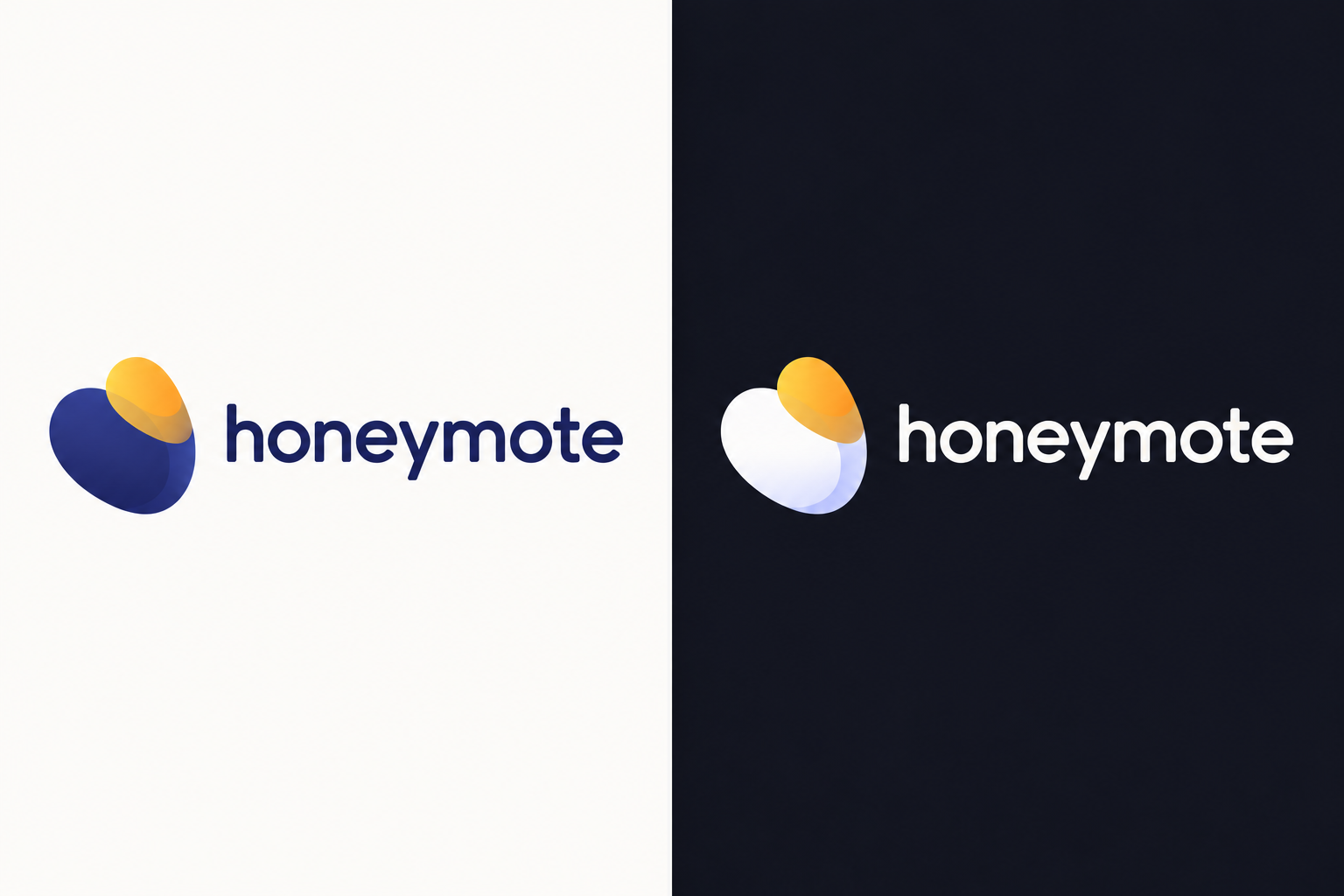
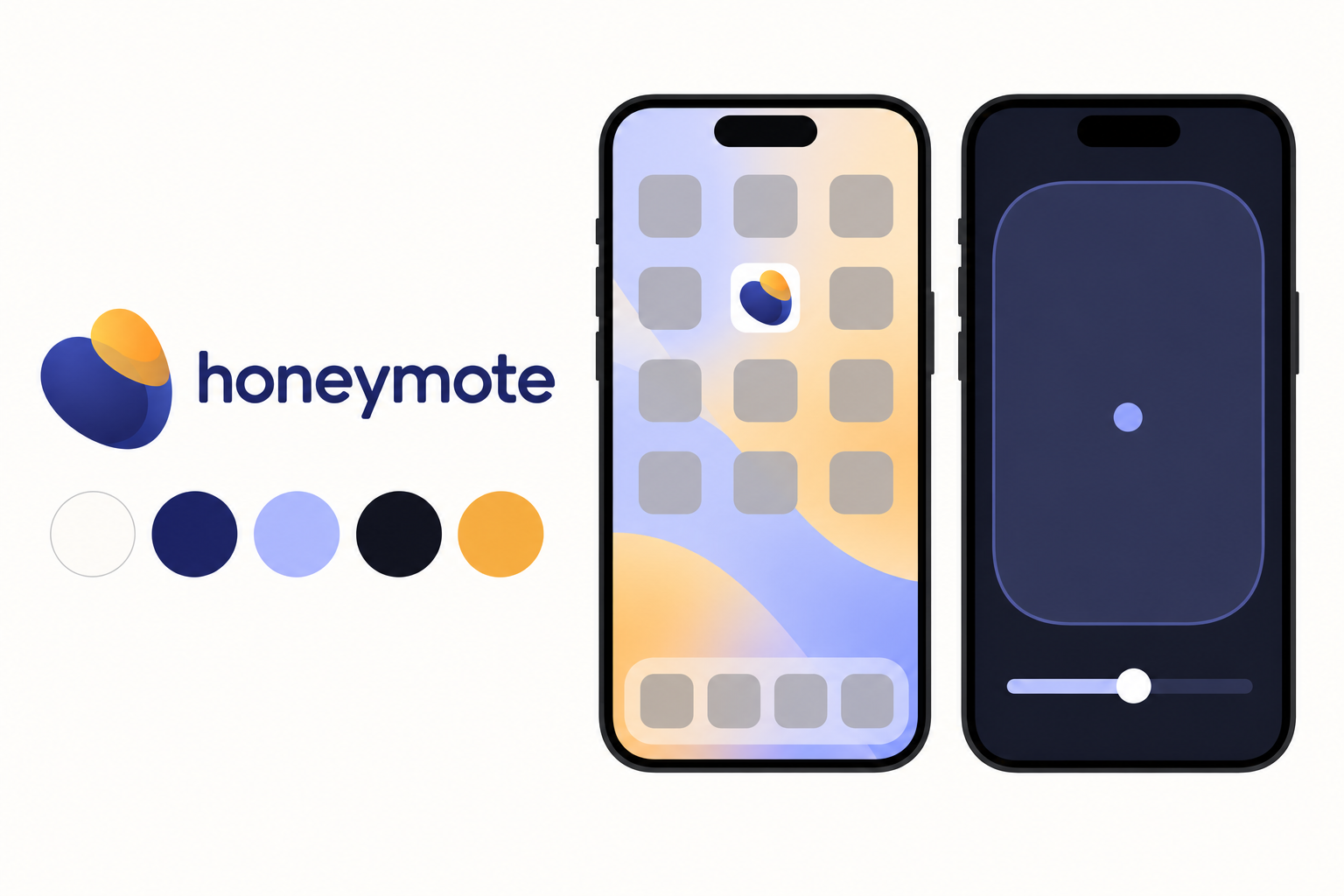
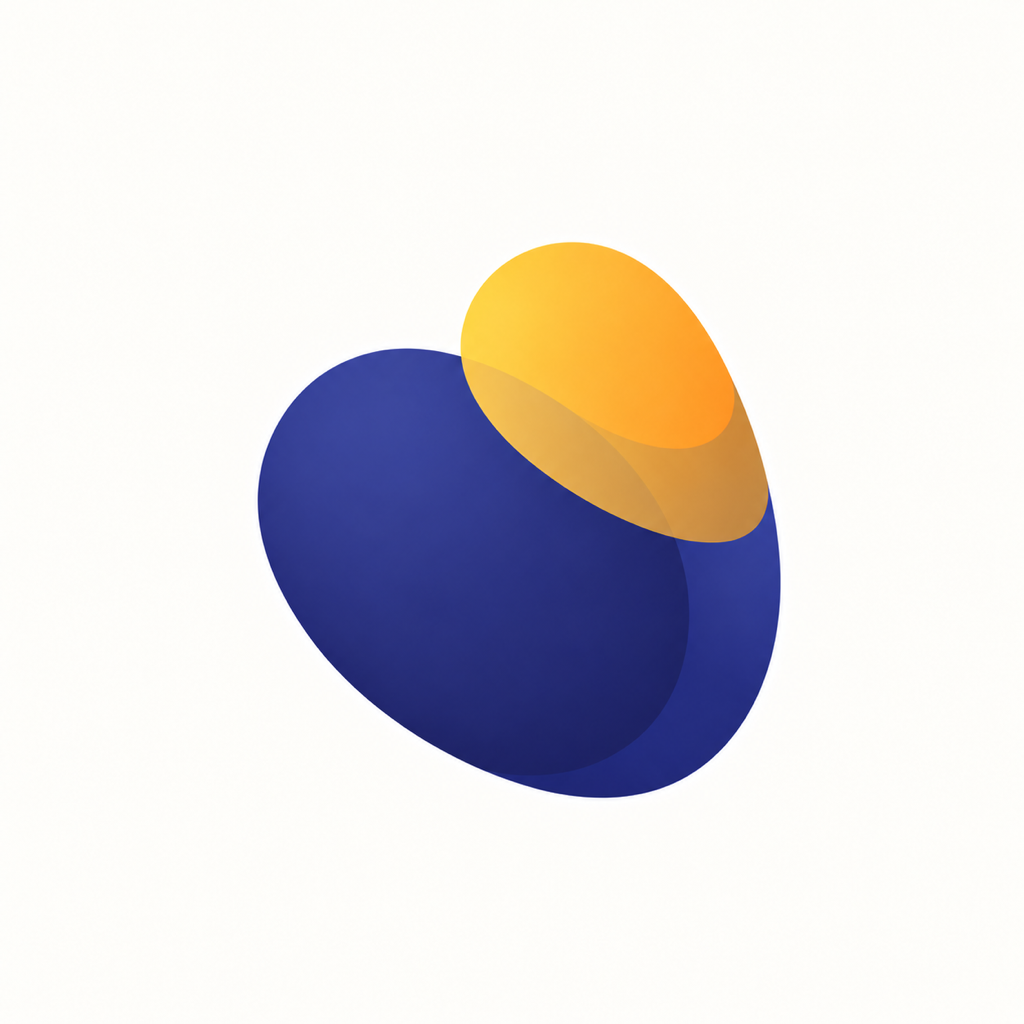
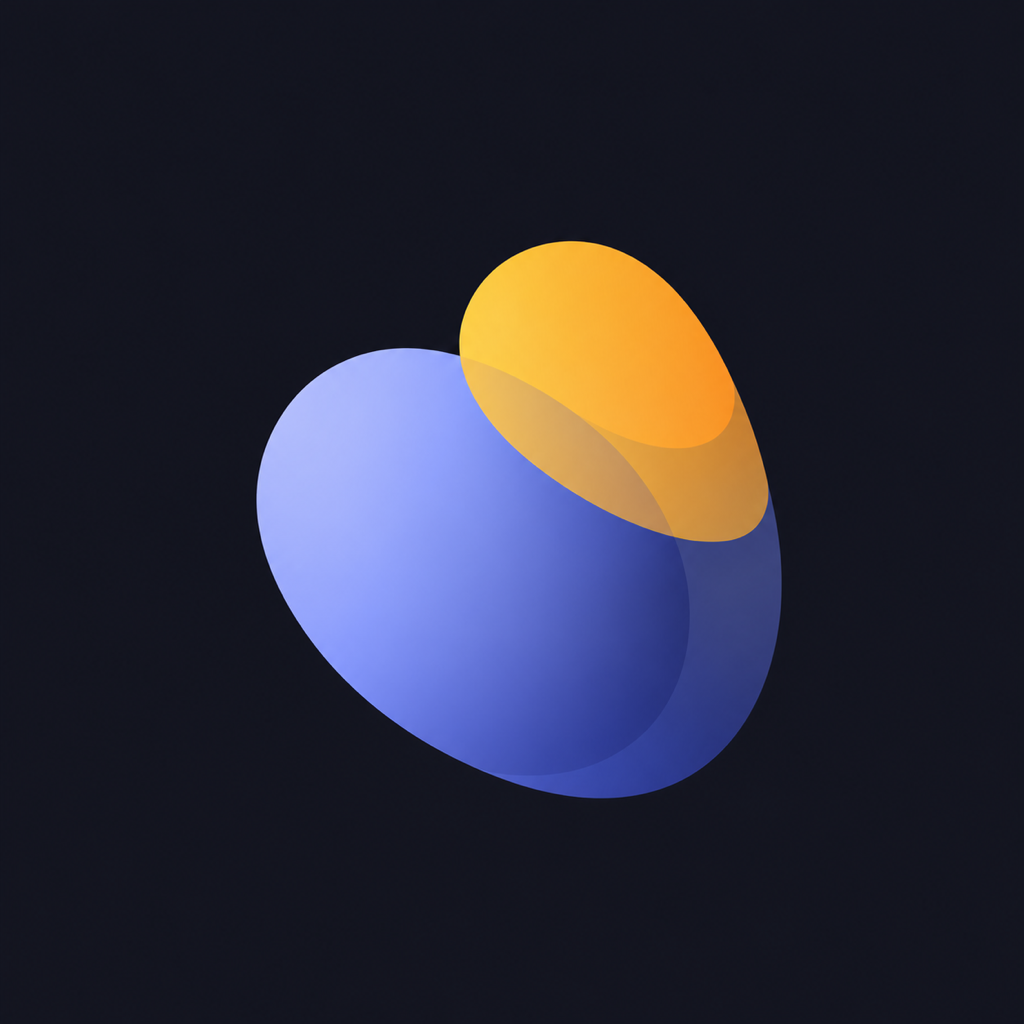
A. Honeylight
Weak. The pebble and amber drop read as a bean or an egg at icon size, and the reversed lockup looks like a fried egg.
D. Calm aperture
Reject. Reads as a target or a roundel, and the dark icon sits next to Codematics' orange-dot pad in the category test.